
Last updated November 15, 2026
 Wrought iron
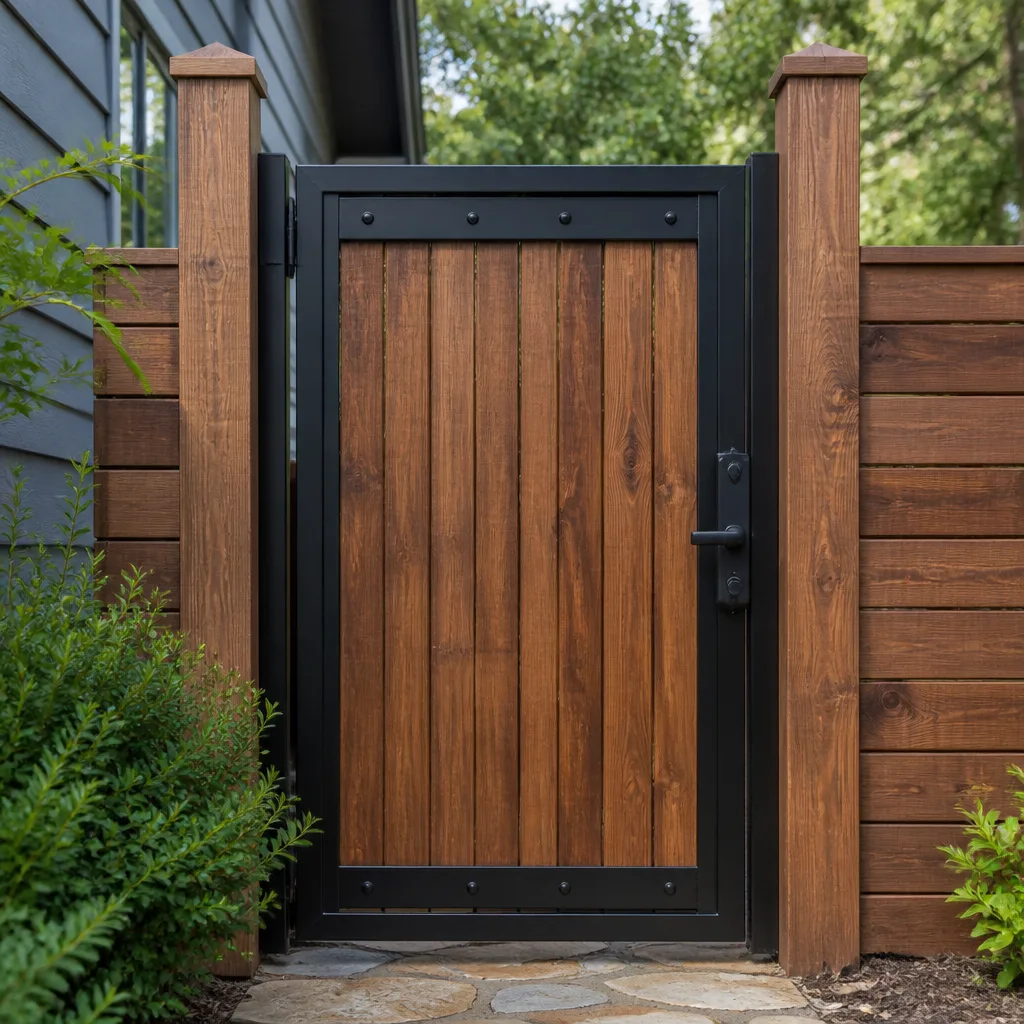 Wood & steel frame
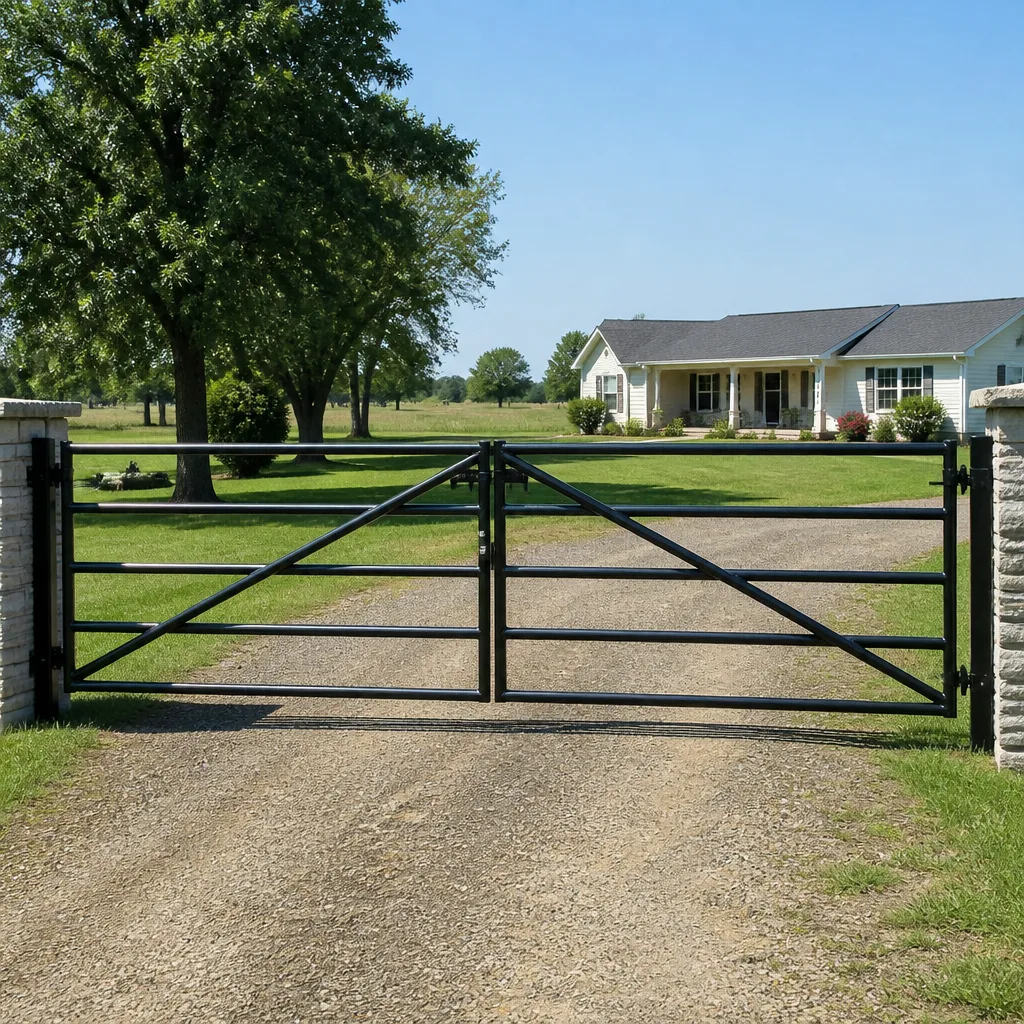 Farm & ranch
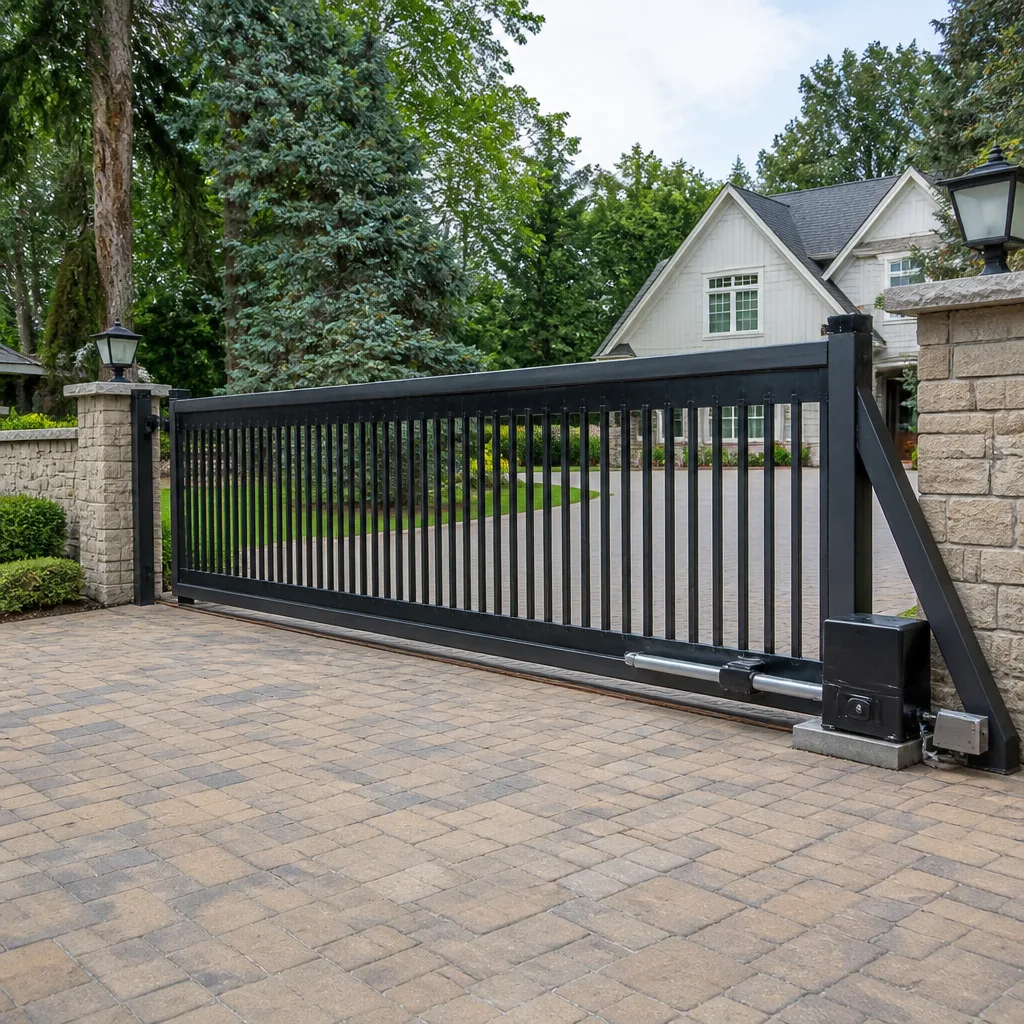 Sliding driveway gates
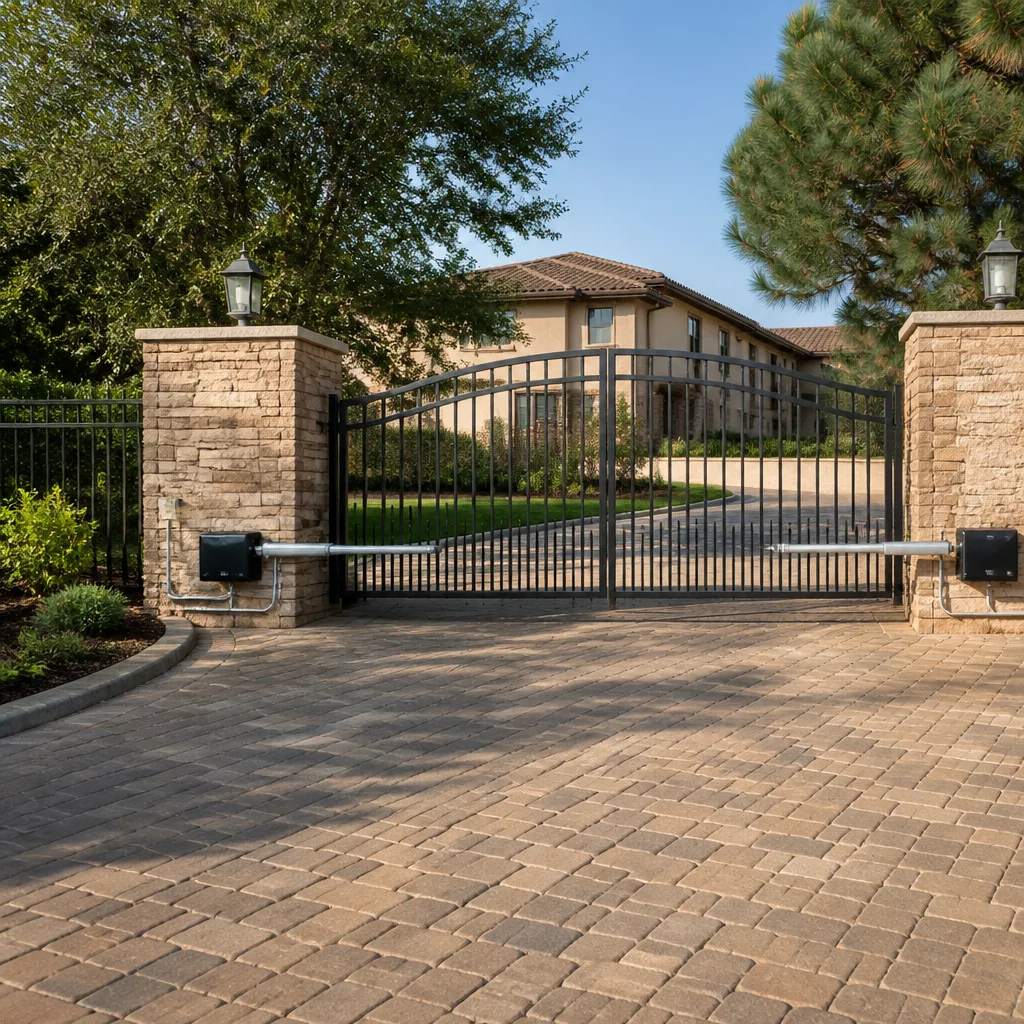 LiftMaster operators
Free on-site gate assessment - hinges, posts, and your LiftMaster or Nice gate operator checked before anything is quoted
The assessment is free and the quote is the invoice.
Get your free estimateGate Repair Troubleshooting in Vacaville: Common Problems and How to Fix Them
The gate that “just stopped working” almost never just stopped working. In our experience, most calls we receive have a warning sign the homeowner noticed but didn’t connect to the gate system: a sluggish open, a remote that needed a second or third press, a light that flashed in a pattern nobody paid attention to. Gates usually tell you they’re failing weeks before they quit. The trick is knowing which part of the system is talking. This guide teaches you to read the symptoms the way a specialist does, working from the power source outward instead of from the most visible problem inward. You’ll learn how to tell operator faults from hardware faults, how to decode flashing fault codes without a manual, and when to stop and call for help in Vacaville.
Quick Answer
Most gate failures in Vacaville fall into one of six diagnostic categories: power supply, control board, safety sensors and loops, motor and drive, mechanical hardware (hinges, rollers, tracks, arms), and remote or access control. Reading the fault code on the operator’s control board first tells you which category you’re in, and that saves hours of guessing. If the gate drags, catches, or makes new noises while still moving, stop operating it – those symptoms cause secondary damage fast.
Styles & brands we work with
- Wrought iron
- Wood & steel frame
- Farm & ranch
- Sliding driveway gates
- LiftMaster operators
Table of Contents
- Why You Should Check the Power First, Not the Symptom
- Gate Operator Fault vs. Gate Hardware Fault: How to Tell the Difference
- What Flashing LED Fault Codes Mean on Common Gate Operators
- Symptoms That Mean “Stop Using This Gate Right Now”
- Why Intermittent Failures Are the Hardest to Diagnose
- Remote and Access Control Problems
- What Vacaville’s Climate Does to Gate Systems
- What You Can Check Yourself and What You Can’t
Why You Should Check the Power First, Not the Symptom
The single biggest mistake people make when a gate stops is starting at the loudest, most obvious symptom. A gate that won’t close looks like a gate that won’t close. But the actual cause might be a tripped breaker two hundred feet away, a dead battery in a solar-charged operator, or a photo-eye that’s blocked by a leaf. Each of those needs a completely different fix, and none of them lives near the gate arm.
Work from the power source outward. That’s the sequence our technicians use on every call, and it’s the sequence that eliminates the most causes in the fewest steps.
- The power supply. Is the operator receiving voltage? Check the breaker in your home or at the subpanel feeding the gate. For solar or battery-backup operators, check the battery state. A dead battery will mimic a total board failure.
- The control board. Look for LED indicators. On most operators, a solid light means normal power, a slow flash means standby or low battery, and a rapid or patterned flash means an active fault. Read what the light is doing before you do anything else.
- Safety devices. Photo-eyes, safety edges, and loop detectors all report to the control board. A blocked or misaligned photo-eye will stop a gate mid-cycle every time, and the gate will look like it has a mind of its own.
- The operator motor and drive. If the board has power and safety devices are clear, does the motor hum? Does it move in one direction but not the other? The motor itself is rarely the first failure, but it’s the loudest one.
- The gate hardware. Only after the electrical side checks out do you inspect hinges, rollers, tracks, and arms. A sagging gate that drags on the ground will overload an operator that’s working perfectly.
That order matters in Vacaville because most homes here use a mix of operators and gate types. A typical driveway might have a Viking swing operator on a 12-foot wood gate, or a Ghost Controls system on a lighter ornamental gate. Each of those has different failure points, but the diagnostic order doesn’t change.
When you work from the power outward, you skip the step most people take first: standing at the gate, pressing the remote 40 times, and hoping. That’s not diagnosis. That’s stress testing your remote battery.
Gate Operator Fault vs. Gate Hardware Fault: How to Tell the Difference
This is where experience matters most. An operator fault and a hardware fault look almost identical to the untrained eye. Both produce a gate that won’t open, won’t close, or moves erratically. But they need completely different fixes, and diagnosing the wrong one costs time and money.
Here’s the key question. When you trigger the gate, does the operator try to move it? Listen closely. If the motor hums or whines but nothing moves, that’s an operator or drive fault. If the gate moves but grinds, catches, or stops partway, that’s usually a hardware fault causing the operator to trip on overload.
Signs of an operator fault
- The gate doesn’t move at all, and there’s no sound from the operator.
- The motor hums but the gate stays put.
- The gate opens fine but won’t close, or closes and then immediately reverses.
- Fault LEDs on the control board flash in a pattern.
- Remotes have to be pressed repeatedly or from very close range.
Signs of a hardware fault
- The gate moves, but drags, catches, or scrapes.
- The gate sags on one side or hangs unevenly at the latch.
- You can hear metal-on-metal grinding during operation.
- Rollers or hinges are visibly worn, seized, or missing.
- The gate swings freely by hand but stalls when the operator pushes it.
That last point is the fastest test. With the operator disengaged (most have a manual release key), push the gate open by hand. If it moves smoothly with no binding, the hardware is fine and the problem is almost certainly the operator or its electrical side. If the gate resists or catches, the operator is probably working correctly and the gate itself needs mechanical attention before you touch the electronics.
This single test saves more trips than any other diagnostic step. It’s also the one homeowners skip most often, because disengaging the operator feels like it might make things worse. It won’t. The manual release exists for exactly this reason. Just make sure the gate is fully closed and the area is clear before you disengage it, especially on a slope.
What Flashing LED Fault Codes Mean on Common Gate Operators
Every modern gate operator has a diagnostic LED on its control board, and most homeowners never look at it. That light is the fastest way to know what’s actually wrong. You don’t need the manual to read the basics – you need to know what the patterns mean across the most common brands installed in Vacaville.
Here’s a general guide to fault-light behavior on the operators we see most often. Exact legend varies by model, but the patterns fall into a few families.
- LiftMaster / Elite: A slow, steady blink often means normal operation or standby. Rapid blinking usually signals a safety-device problem – a blocked photo-eye or a safety edge that’s triggered. Multiple quick blinks followed by a pause typically indicate a specific fault count, so count the blinks and note the pause.
- Viking: Viking boards generally use simple LED states – solid for power, blinking for fault or safety state. On many Viking models, a gate reversing immediately at close is a photo-eye alignment issue, and the LED confirms it.
- BFT: BFT controllers often use a two-LED system where one LED indicates power and the other indicates fault or safety trip. On BFT boards, a specific blink rate on the fault LED corresponds to loop detector or safety edge issues rather than motor problems.
- DoorKing: DoorKing boards are typically more elaborate, with LEDs for input power, loop activity, and safety reverse. On a DoorKing system, a flashing indicator paired with no loop activity usually means a bad loop or a disconnected lead – common on commercial driveways.
The pattern approach works across all of them: count the blinks, note the pause, then compare that to what’s happening physically. A gate that opens but won’t close, plus a rapid safety-light blink, points you at the safety circuit, not the motor. A gate that doesn’t respond at all, plus a dead or flickering power LED, points you at the supply.
What we don’t recommend is opening the control box and probing with a multimeter unless you’re comfortable with line voltage. Some operators run 24V, some run 120V at the board, and some have capacitors that hold a charge after power is cut. If you’re not sure what you’re touching, stop. Call us for electric gate repair and let someone who works on these boards every week take a look.
Symptoms That Mean “Stop Using This Gate Right Now”
Some gate problems are inconveniences. Others are active hazards, and continuing to operate the gate makes them worse. In our experience, three categories fall into the second group, and every extra cycle adds to the cost of the eventual repair.
- The gate moves at all while a person, pet, or vehicle is in its path. A safety reverse that doesn’t reverse is a serious hazard, especially on commercial or multi-unit gates where children and delivery drivers pass through. Stop using the gate until the safety system is verified.
- The gate comes off its track or hangs off its hinges. A slide gate that’s jumped its track can fall. A swing gate with a failing hinge can sag or drop. Both are heavy enough to injure someone or damage a vehicle, and both will cause secondary damage to the operator if you keep cycling it.
- You hear grinding, popping, or repeated clicking from the operator, or see exposed wiring. Grinding usually means a worn gear, stripped drive, or a foreign object in the mechanism. Exposed wiring at the operator or on the power run is a shock hazard. Do not open the box to look.
Some signs are less obvious but still worth a stop: a gate that reverses for no reason mid-cycle (safety device fault), a gate that closes on its own (board or loop fault), or a gate that runs longer than its normal cycle. All of these point to a control-side problem that gets worse with use.
If the gate is stuck open, the simplest move is to disengage the operator and secure the gate manually until someone can look at it. On a swing gate, that usually means latching it or blocking it with a vehicle. On a slide gate, it usually means chaining it inside the track. The point is to remove the risk of the gate moving when someone isn’t expecting it.
For commercial properties in Vacaville, especially multi-unit complexes and small business driveways, an open gate is also an access-control problem. DoorKing and LiftMaster systems that manage entry for dozens of tenants or customers need a fast response. Call Gate Repair Vacaville if you need the gate secured and diagnosed. We answer 24/7. Fast dispatch from 7am to 7pm, Sunday through Friday.
Why Intermittent Failures Are the Hardest to Diagnose
Intermittent failures are the hardest calls in this trade. The gate works when you test it and fails when you don’t. The technician arrives, runs the gate ten times, and it moves perfectly. There’s nothing to see, nothing to measure, and no fault code to read. That’s a challenging visit for everyone.
Intermittent problems are usually environmental or thermal. A photo-eye that’s slightly out of alignment fails in the afternoon when the sun hits it at a certain angle. A control board with a marginal solder joint fails on hot days and recovers at night. A loop detector that’s picking up interference from nearby wiring drops the gate every time a large truck passes. Battery voltage in a solar operator dips in cold weather and recovers by midday. None of these trip a fault code consistently, so the board looks healthy when you test it.
The way to make the visit productive is to collect data before the technician arrives. You don’t need diagnostic equipment. You need a notebook.
- Time of day and weather. Note when it fails: morning, mid-afternoon, evening. Note the temperature if it’s extreme. Hot and cold both matter.
- Which command fails. Does it fail on open, close, or both? Does it fail from the remote, the keypad, the interior button, or all of them? That pattern tells us where in the circuit to look.
- What’s happening nearby. Is a car passing, is a delivery truck idling, is someone pressing a neighbor’s remote? Ghost Controls and other systems can occasionally pick up interference from nearby remotes, and some loop setups react to traffic.
- How many cycles before failure. Does it fail on the first open or the twentieth? Heat-driven failures usually need repetition to show up.
- Any physical symptom. A slight pause, a slow start, a quiet click. Even a sound you can’t quite place is useful data.
Write it down. A pattern of “fails on close only, between 2 and 4pm, when the sun is on the gate” is a completely different problem from “fails randomly on open, all day, from any controller.” The first points at a photo-eye. The second points at a board, a remote receiver, or a power-side issue. When you’ve got notes, the technician can aim straight at the likely cause instead of spending the visit trying to reproduce a fault that just won’t show.
Remote and Access Control Problems
Not every “gate repair” is really about the gate. A surprising share of calls we get are remote, keypad, or entry-system issues, and many of those are simpler than they look.
Start with the remote itself. A remote that works from close range only, or needs a hard second press, is usually a low battery. A remote that stopped working entirely after one day is probably not the battery – it’s more likely a receiver issue at the operator, or the remote lost its memory (some receivers clear when the battery is changed incorrectly). Try re-syncing the remote per your operator’s steps before assuming the receiver is bad.
If the remote isn’t the problem, the next question is which entry device is failing.
- Keypad: A keypad that lights up but won’t trigger the gate usually points at programming or a board input. A keypad that’s dead usually points at wiring or the power supply to the keypad.
- Intercom or call button: Common on multi-unit properties. If the visitor can hear you but the gate won’t open, the problem is the operator side, not the intercom.
- Loop detector: The buried loop that detects a car approaching. Loops fail from water intrusion, ground movement, or a cut lead. Symptoms: the gate won’t open when you drive up, or it closes on a vehicle that’s still leaving. Loop problems are more common on commercial properties and shared driveways.
- Access control panel: On DoorKing and similar commercial systems, the panel manages dozens of codes or cards. A single code that stops working is a programming issue, not a gate fault.
Before you assume the worst, check for the obvious. Is the remote battery fresh? Is the keypad getting power? Is the loop area clear of standing water or fresh landscaping? A surprising number of access problems trace back to a new planter over the loop, a fresh coat of asphalt, or a lawnmower that nicked a lead. If you’re in Vacaville and can’t pin it down, we’re happy to take a look – gate repair for access-control failures is one of the things we do most.
What Vacaville’s Climate Does to Gate Systems
Gates in Vacaville live in a specific environment: hot, dry summers and mild, wet winters. That cycle does particular things to gate systems, and knowing them helps you predict which parts wear first.
The heat matters. Summer afternoons in Vacaville push control boards and batteries to their upper operating limits. Operators rated for residential use can overheat in a closed box on a 100-degree day, and the symptom is usually intermittent – the gate works all morning and fails in the afternoon. That’s not a coincidence, and it’s why shaded mounting and airflow around the operator matter. It’s also why we ask about time-of-day patterns on intermittent calls: an operator that fails only on hot afternoons is telling you something specific.
The wet season matters too. Vacaville’s winter rains can find their way into enclosures, keypads, and junction boxes that aren’t well sealed. Water intrusion into a control board usually shows up months later as corrosion, and that shows up as a gate that’s “become unreliable.” Loops under the driveway absorb moisture and can shift or short over time. Wooden gates swell in the wet months and can bind against the frame, which overloads the operator. If your gate is harder to open in the winter than in summer, that’s a mechanical issue to address before it damages the drive.
Dust is the third factor. Vacaville’s dry season kicks up fine dust that gets into hinges, rollers, and track channels. Dust mixes with whatever lubricant is present and turns into grit, which wears rollers and slides faster than most homeowners expect. On a slide gate especially, a dusty track is a leading cause of drag and premature operator failure. Keeping the track clean is one of the simplest things you can do between service visits.
None of this is dramatic. Gates in a mild climate last a long time when the basics are kept up. But the specific wear pattern here – thermal faults in summer, water intrusion in winter, dust year-round – is what makes local experience useful when you’re troubleshooting. If your gate is in Vacaville and it’s failing in patterns that seem to track the weather, that’s usually a real clue and not a coincidence.
What You Can Check Yourself and What You Can’t
There’s a real line between safe homeowner checks and work that needs a trained technician. Crossing it unnecessarily is how a small repair becomes a bigger one. Here’s where we draw that line.
Safe to check yourself
- Breaker at the subpanel and any GFCI outlets feeding the operator.
- Visible damage to the gate, hinges, rollers, and track.
- Obstructions in the path of the gate and at the photo-eyes.
- LED pattern on the control board (looking, not touching).
- Manual release function – with the gate secured and clear.
- Remote batteries and remote re-sync.
- Loop area for standing water, new landscaping, or visible cuts to exposed wiring.
Better left to a technician
- Anything inside the operator control box beyond looking at the LEDs. Board voltage, capacitors, and terminal connections are shock risks.
- Replacing the control board, motor, or drive components.
- Adjusting or replacing safety photo-eyes and safety edges that involve wiring at the board.
- Loop detector wiring, cutting, or splicing.
- Power runs, conduit, and underground wiring.
- Anything where the gate is unstable, sagging, or off its track. Heavy panels can crush – don’t try to lift a fallen slide gate or catch a sagging swing gate alone.
- Any situation where the gate moved while a person or vehicle was in the path. The safety system needs to be verified, not guessed at.
The general rule: you can look, listen, and test – you should not touch wiring or heavy gate panels. If a repair involves opening the control box beyond reading the LEDs, or moving a gate panel you can’t safely lift and block, call us. That’s not a sales pitch. It’s the same line we use on our own sites.
When you’re ready to have someone look at the gate, Vacaville is our home base and gate work is all we do. We work on LiftMaster, FAAC, BFT, Linear, Viking, Ghost Controls, DoorKing, Elite, and Mighty Mule systems, and we’ll repair what you have before recommending a replacement. Our technicians have up to 10 years of experience with these operators.
Common Mistakes to Avoid
- Pressing the remote repeatedly when the gate doesn’t respond. If the gate is trying to move but stuck, every extra press cycles the motor under load and wears the drive. If it’s not moving at all, extra presses do nothing but stress your remote battery.
- Assuming the motor is dead when the board has simply tripped. A safety device trip, a low battery, or a transient fault can shut the gate down completely without any motor damage. Check the LEDs before you call it a dead motor.
- Replacing the remote when the receiver is the problem. Re-sync first. A remote that worked last week doesn’t usually lose its programming unless something else changed at the operator.
- Continuing to run a gate that drags or scrapes. That’s how a fixable hinge or roller becomes a stripped drive gear and a much bigger repair. A dragging gate in Vacaville during the wet season is usually a swell or a track issue – get it seen before the operator gives out.
- Spraying lubricant into the operator housing. Lubricant belongs on hinges, rollers, and track. Never inside the operator. Inside the housing it attracts dust and can foul the electronics.
- Ignoring the loop detector on a shared driveway. A loop that’s failing drops the gate unpredictably and, on commercial properties, either blocks clients or lets vehicles through that shouldn’t be there. Fix the loop before the gate fails completely.
- Not writing down the symptoms before the technician arrives. Intermittent problems are won or lost on the information you collect. A note with the time, weather, and which control failed is worth more than an hour of guessing on-site.
See the difference
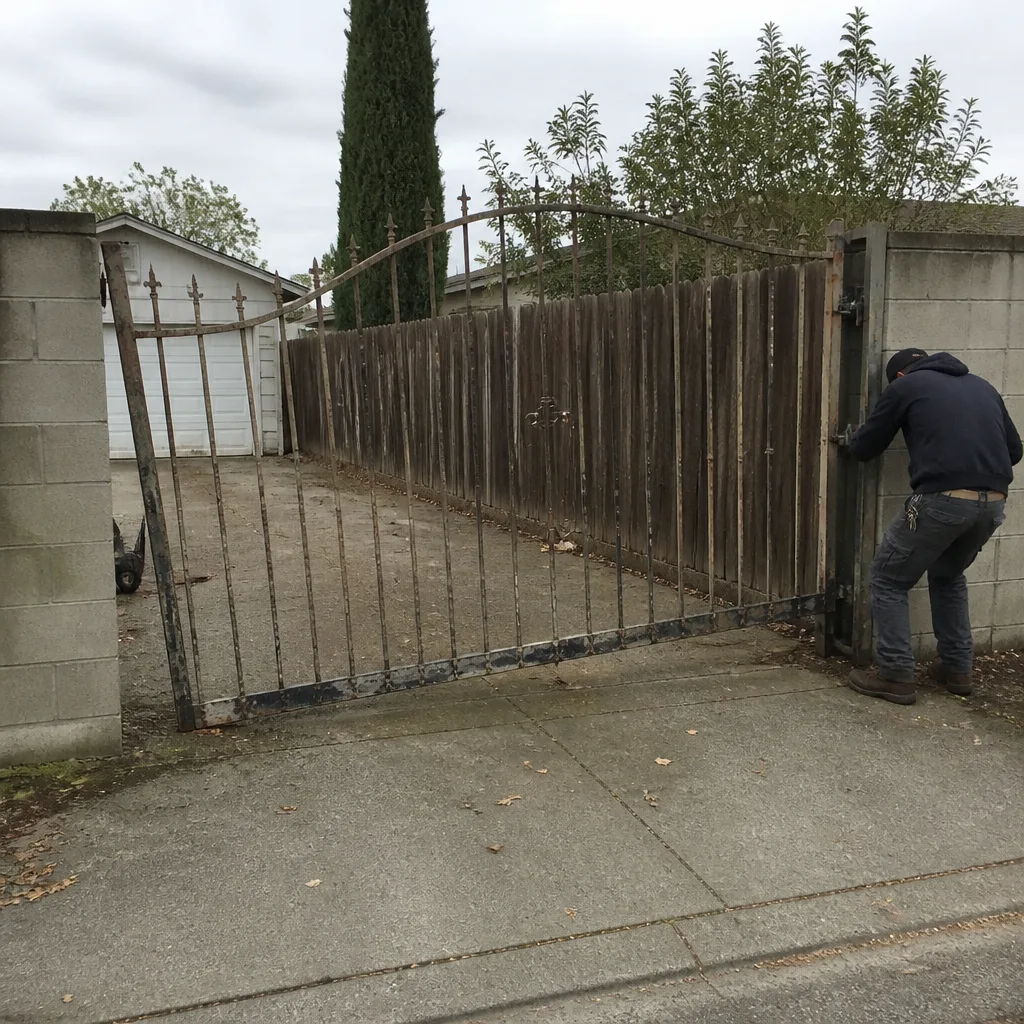 Before
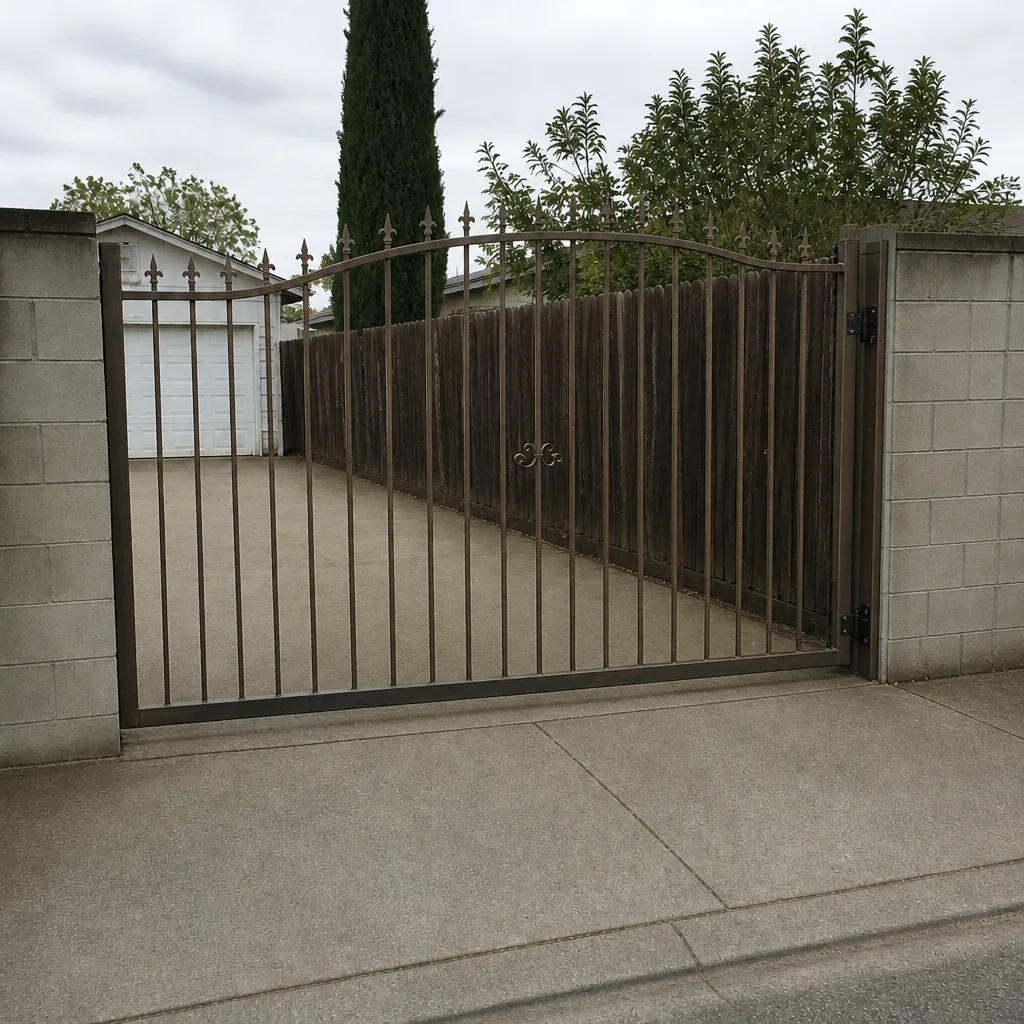 After
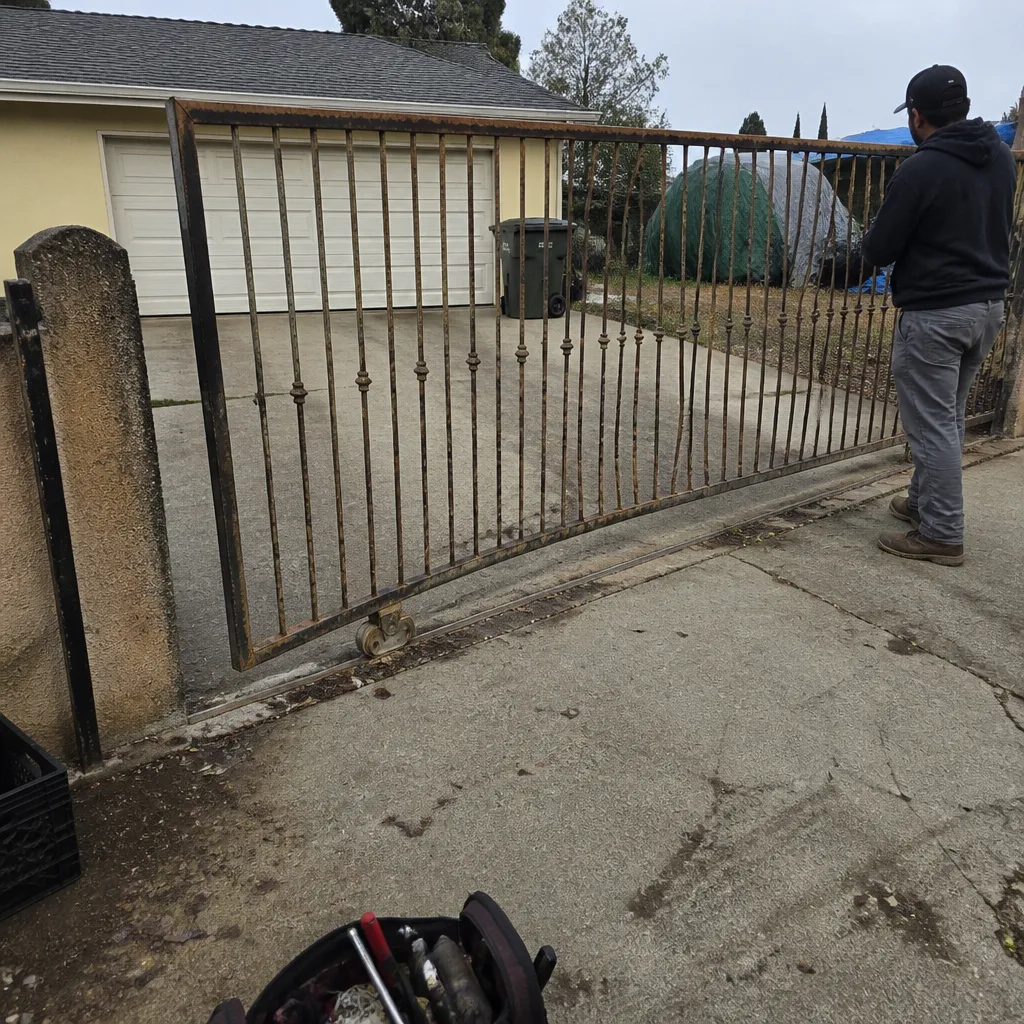 Before
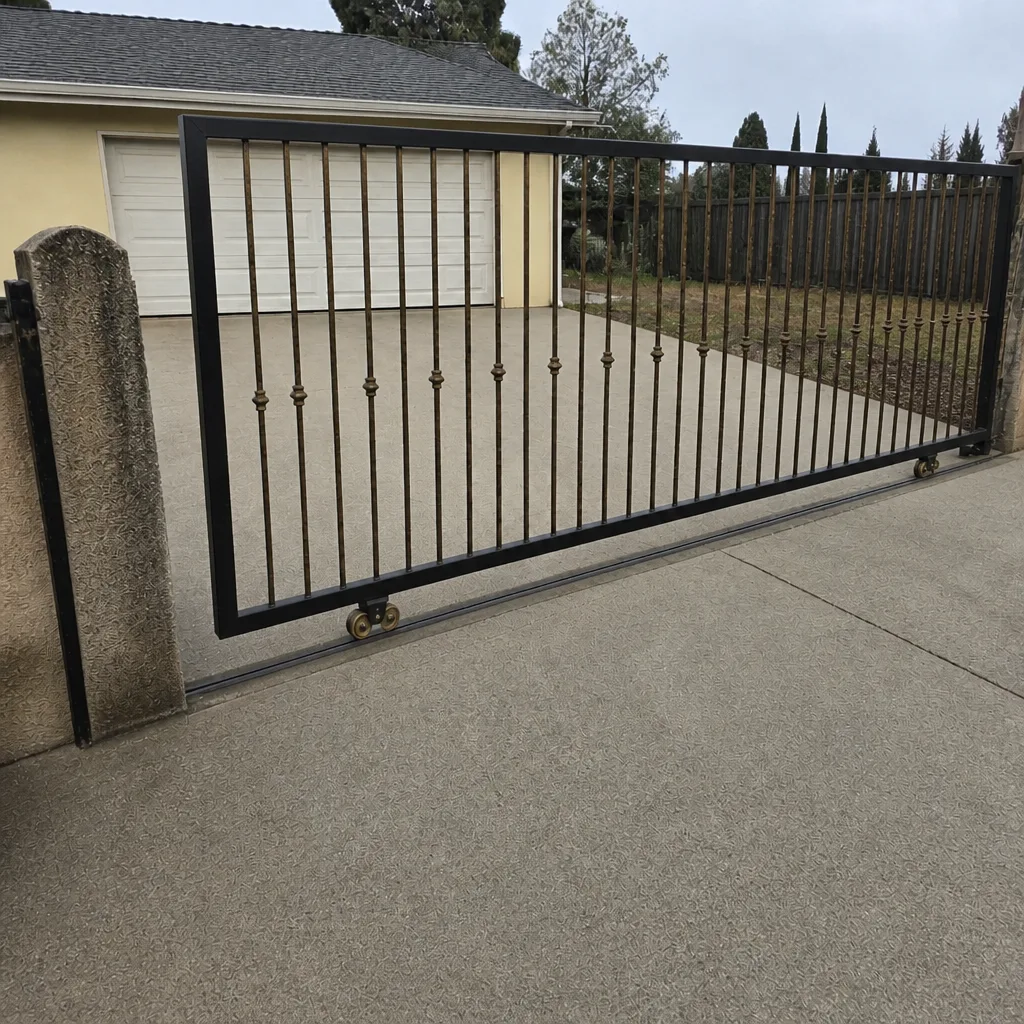 After
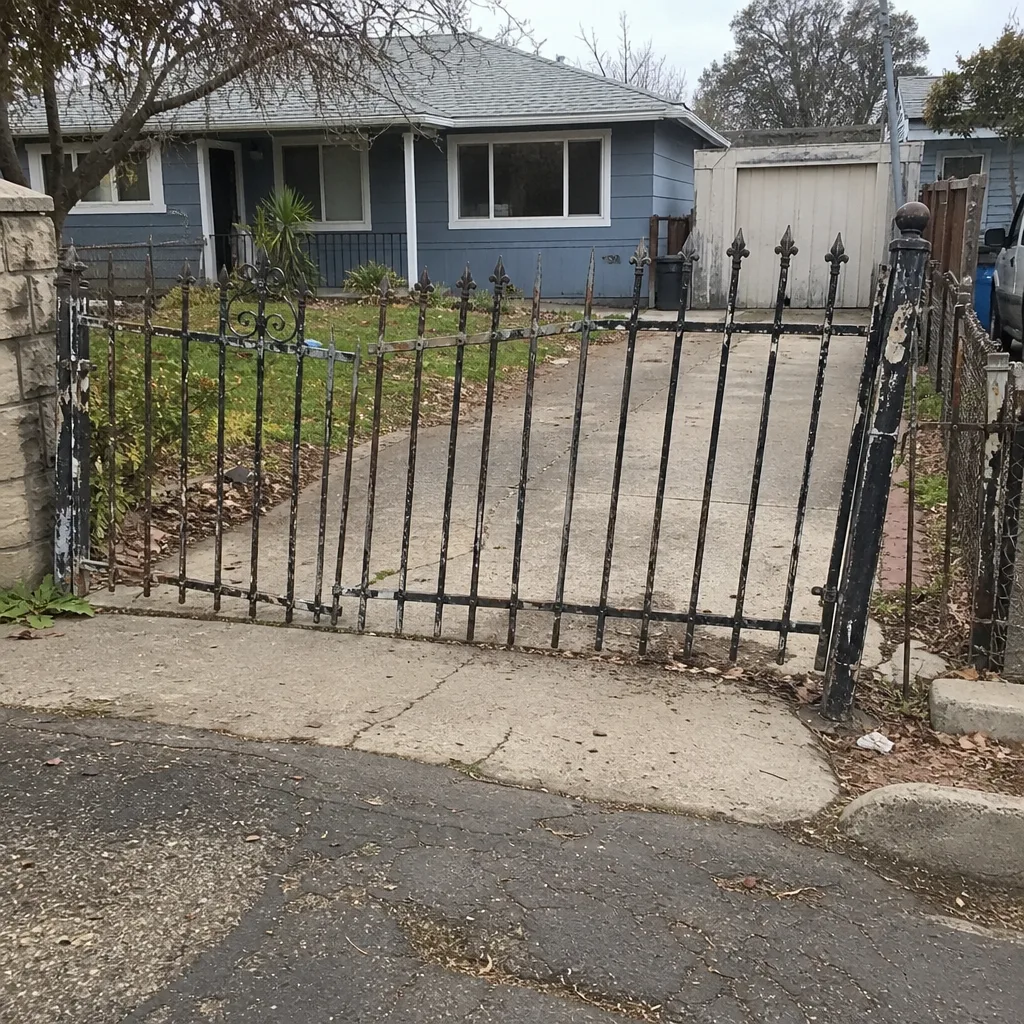 Before
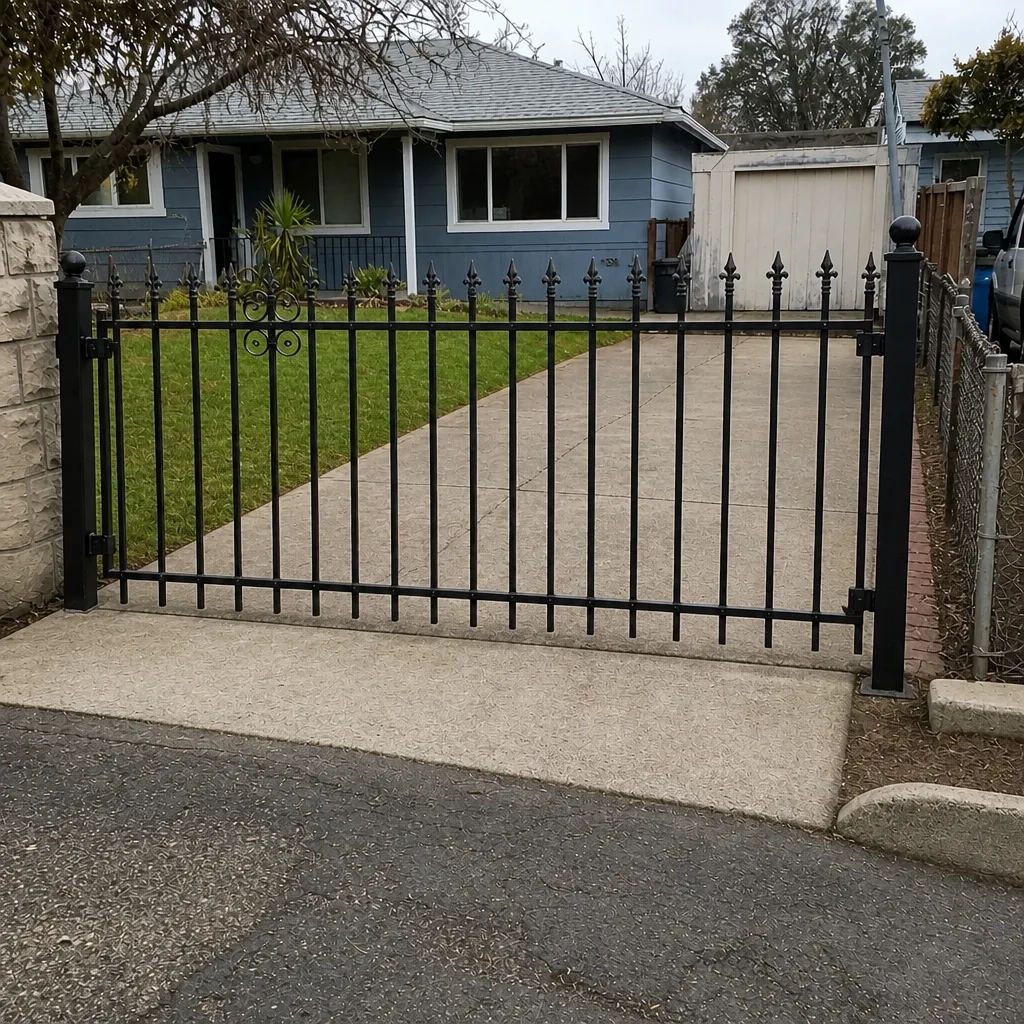 After
When to Call a Professional
Call us when you’re past the safe checks and into the electrical side, when the gate is unstable or unsafe to operate, or when the fault pattern doesn’t match anything in this guide. Call if the gate moved while a person or vehicle was in its path, if the operator is clicking or grinding repeatedly, or if the gate reverses and closes on its own. And call if the problem is intermittent – those are the visits that benefit most from a prepared homeowner and an experienced technician.
Gate Repair Vacaville offers free estimates in Vacaville. Call (888) 772-3933. We answer 24/7. Fast dispatch from 7am to 7pm, Sunday through Friday. We repair existing operators and install new gates, so you won’t be sent somewhere else mid-project if the fix turns out bigger than expected. The estimate is free, and the price is quoted and agreed before any work starts.
Frequently Asked Questions
Gate repair costs depend on the fault category – an access-control or remote fix is on the low end, while a control board or motor replacement sits higher, and a loop or drive fault is different again. The written estimate sets the final price, and it’s quoted and agreed before any work starts. Call (888) 772-3933 for an exact quote – estimates are free.
Yes, same-day service is often possible when you call early enough in the day. We answer 24/7, with fast dispatch from 7am to 7pm, Sunday through Friday. A call outside dispatch hours is booked into the next opening, Sunday through Friday, 7am to 7pm.
A full installation includes the gate itself, the operator, the power run, the safety devices (photo-eyes or safety edges), and the entry control. Installation is measured and scheduled – it isn’t a same-day job. We’ll walk the site with you, give you a written price, and set a start date that works. Call (888) 772-3933 to book a free measure and estimate.
Yes. We handle the electrical side of the gate, including the power run and the safety devices. Safety edges and photo-eyes are part of every install and every safety verification, because the gate isn’t finished until the reverse function works reliably. Call (888) 772-3933 to talk through your project.
We service the brand you already have, and we lean toward repair over replacement. We work on LiftMaster, FAAC, BFT, Linear, Viking, Ghost Controls, DoorKing, Elite, and Mighty Mule. If your current operator can be repaired, that’s the first option we’ll quote. Call (888) 772-3933 to tell us what you have.
Note the time of day, the weather, which control input failed, how many cycles ran before failure, and any sound or pattern you noticed. That information lets the technician aim at the likely cause on the first visit. Call (888) 772-3933 and we’ll walk you through what to note – estimates are free.
The Bottom Line
Most gate failures announce themselves before the gate stops. Read the fault LED on the control board, work from the power source outward, and run the manual-release test to separate operator problems from hardware problems. If the gate drags, catches, or moves while a person or vehicle is in its path, stop operating it and call someone. For intermittent problems, write down the pattern – time of day, weather, and which control failed – because that’s the data that makes a diagnostic visit productive. Gate repair in Vacaville isn’t complicated once you know the sequence; the hard part is resisting the urge to start at the most obvious symptom.
If you’d like a second set of eyes, call Gate Repair Vacaville at (888) 772-3933 for a free estimate. We’re gate specialists, not generalists, and we’ll repair what you have before recommending a replacement.
Written by the team at Gate Repair Vacaville.